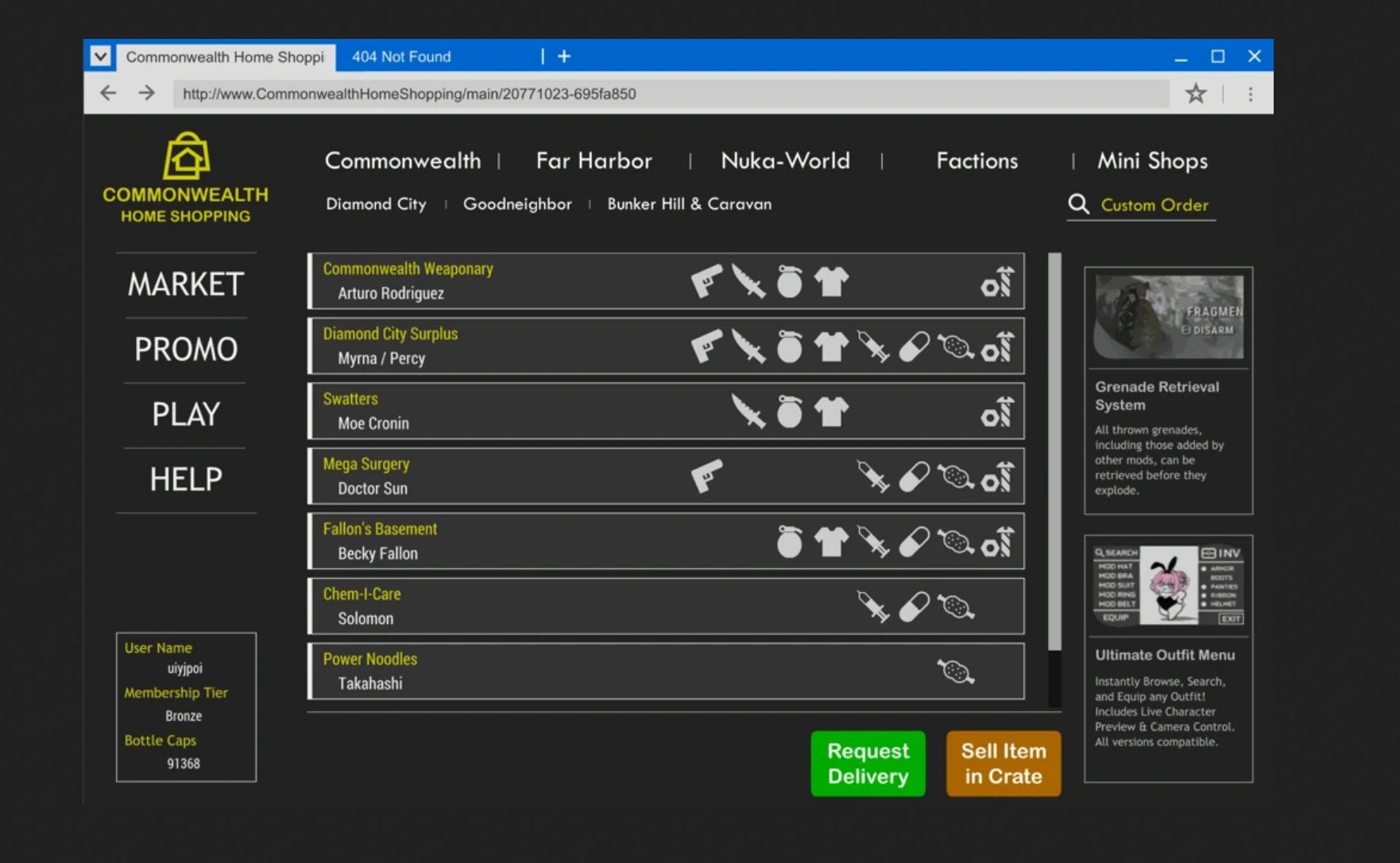
Commonwealth Home Shopping v1.0.1
No more wandering wastelands—trade with merchants across the Commonwealth right from home!
Required:
Address Library for F4SE Plugins
Fallout 4 Script Extender (F4SE)
This mod lets you trade directly with in‑game merchants from your settlement using the Home Shopping interface. The UI text has been machine-translated into multiple languages, so players from different regions can use it comfortably.
Key Features
Trade with In‑Game Merchants
– Shop Seamlessly: Instantly browse and purchase the inventories of merchants across the Commonwealth, all from your settlement.
– Stay Immersed: Only merchants from locations you’ve visited are available, keeping the experience authentic and consistent.
Immersive Website‑Style Interface
– Fresh Deals Daily: A random promotion pops up in the PROMO tab every midnight, keeping your shopping exciting.
– Earn Your Delivery Caps: Running low? Click banners or dive into fun mini‑games to top up and keep trading!
Old‑Gen or Next‑Gen users, please use the Main version from the Files tab.
AE or lastest version users, please use the AE edition.
To use Home Shopping, you must first build Commonwealth Home Shopping in your settlement.
Construct the console found in the Special tab and connect it to power.
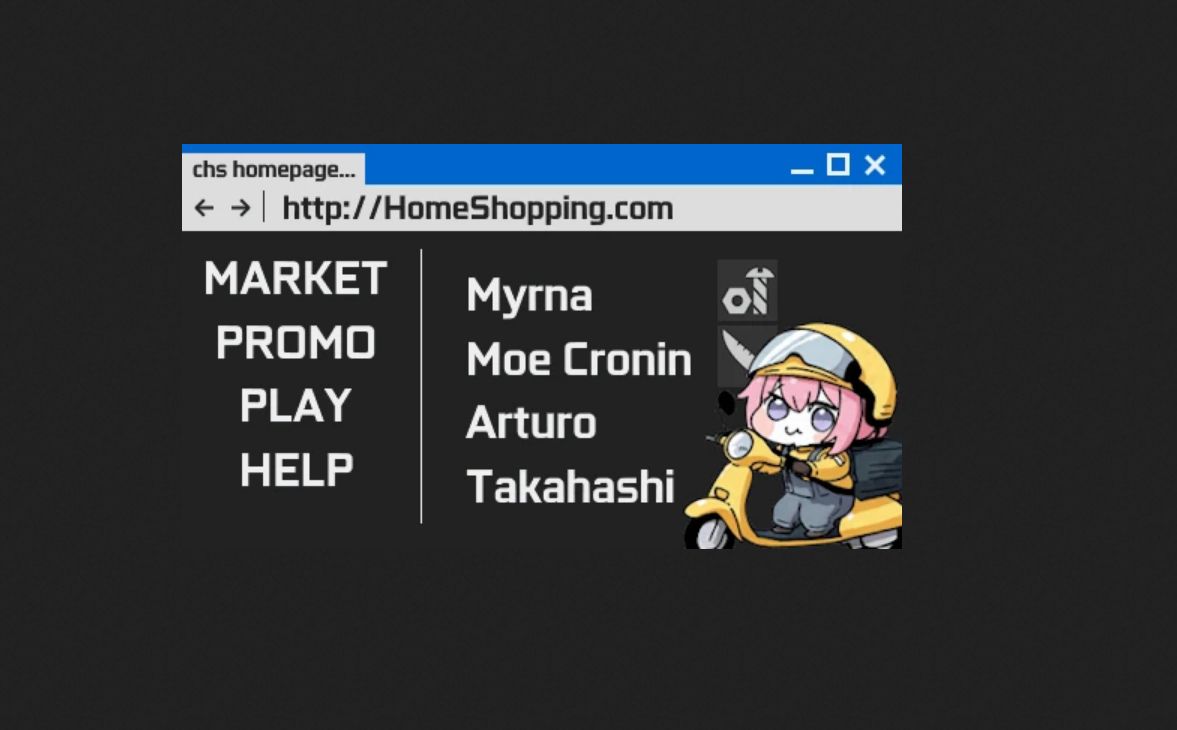
The UI is divided into four tabs on the left. The most important feature is the MARKET tab.
– Merchants from locations you have visited are displayed, and clicking them opens the trade menu.
– Purchased items are delivered to the Delivery Box next to the console when you press the Request Delivery button.
– Merchants not included in the main categories will appear in the Mini Shops tab after you trade with them once.
– You can also sell items by placing them in the Delivery Box and pressing the Sell Item button.
– For balance, all prices include a 20% penalty.
– If desired, you can use the Custom Order option in the top‑right corner to search for and purchase items by name.
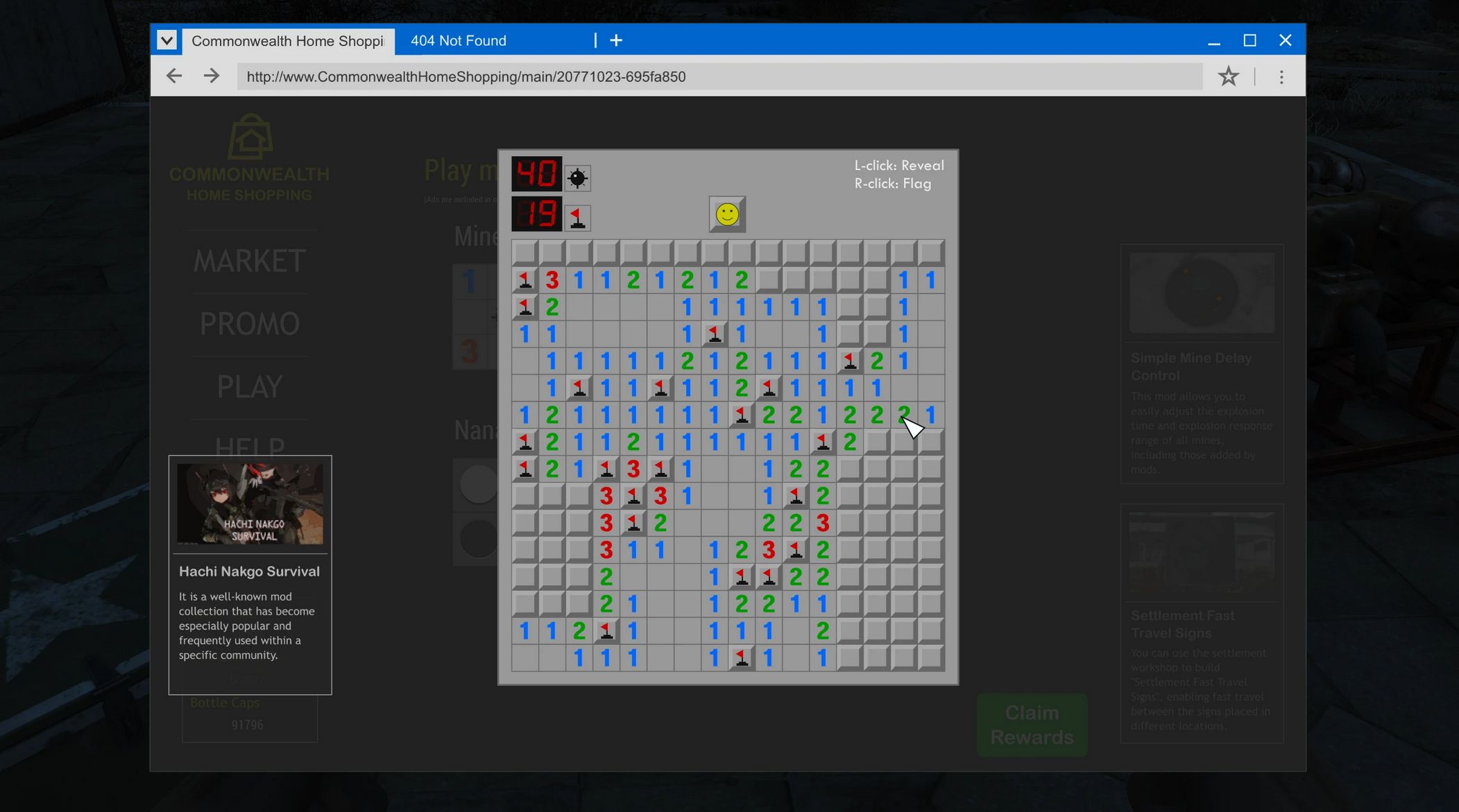
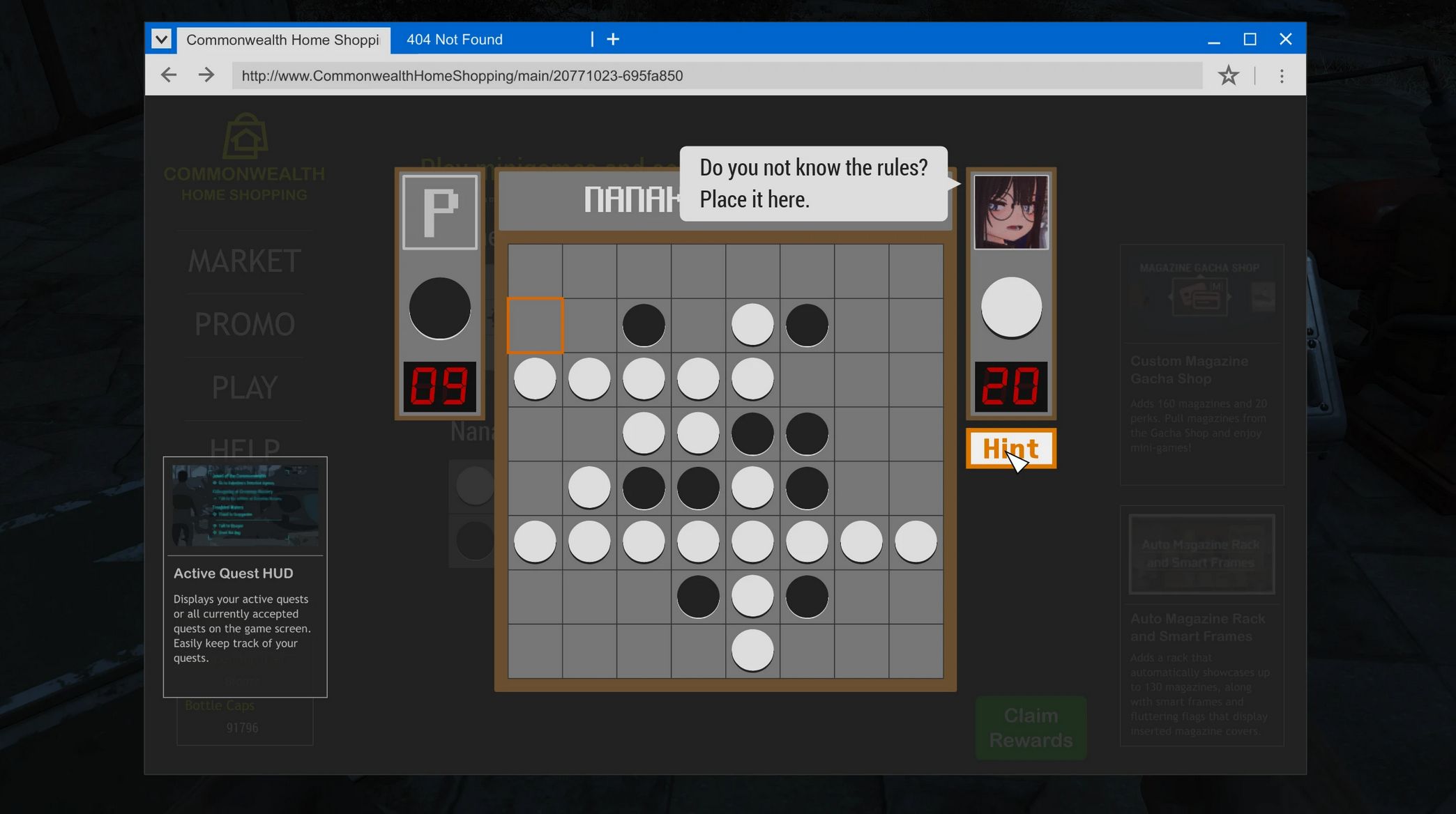
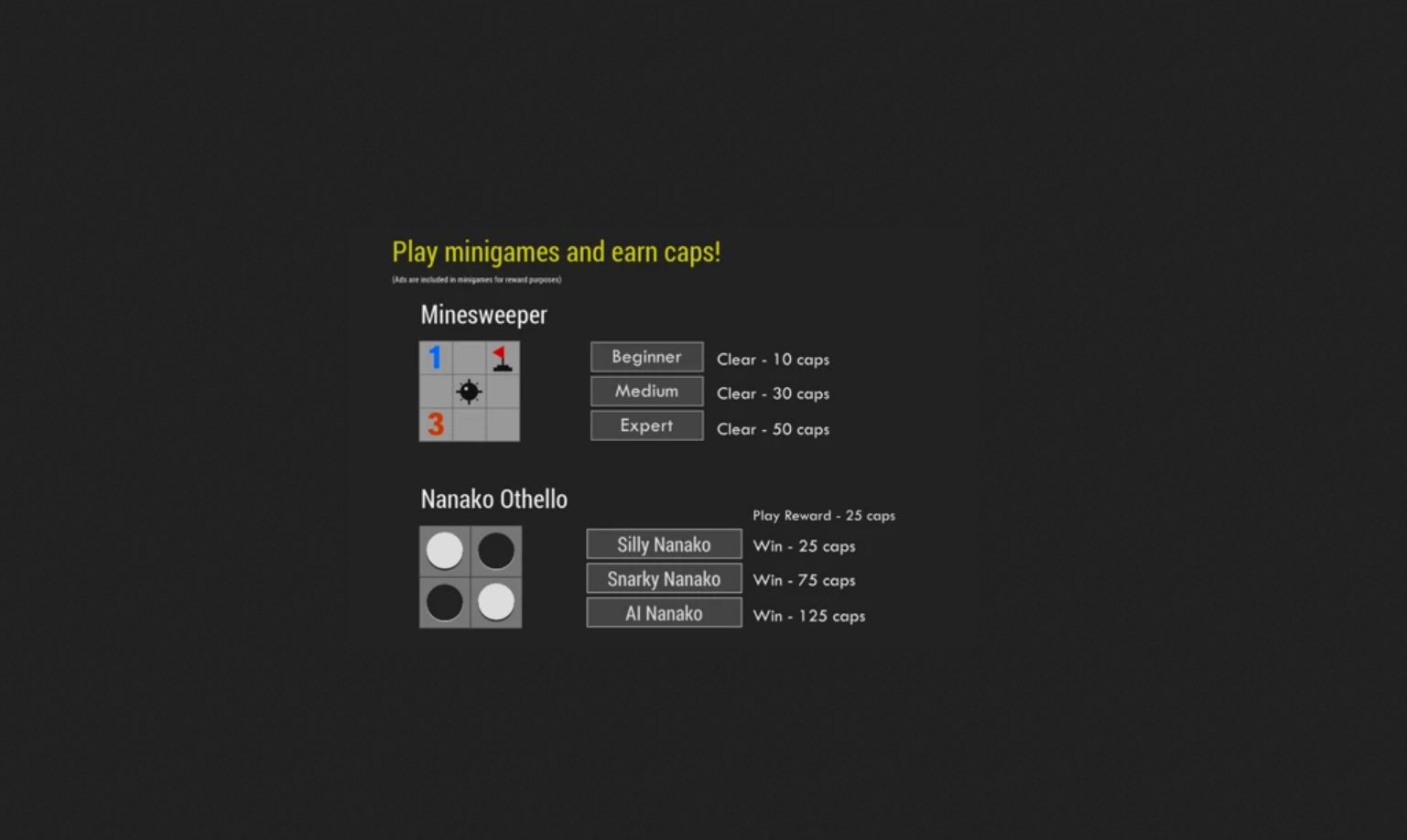
Enjoy Minesweeper or Othello in the Mini-Games tab. Earn a small amount of caps, or play just for fun when you’re bored.
Promotions Tab:
The Promotions tab shows today’s deals with a brief description. Deals update daily at midnight.
Help Tab: The Help tab contains a description of the mod. Check here if needed.
Note:
When using certain mods, the UI may stop working after trading with a merchant. If this happens, press ESC to close the UI and reopen it. A fix will be released once the cause is resolved.