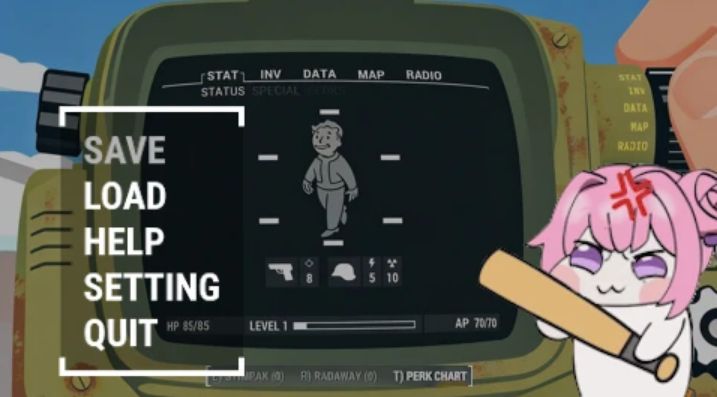
ESC to Menu Close v1
ESC now closes the current menu instead of opening the Pause Menu in specific menus.
Required:
Address Library for F4SE Plugins
Fallout 4 Script Extender (F4SE)
Using F4SE, this mod lets you close menus like your Pip-Boy or containers by pressing ESC. When no such menu is open, ESC works exactly as it always should.
It contains no ESP files—only a DLL—so you can safely add or remove it at any time.
ESC is supposed to close the current menu. It’s like a contract between the player and game.
But Bethesda made it so that pressing ESC in menus like the Pip-Boy or containers opens the Pause menu instead.
Install this mod to finally uphold the sacred contract.
Extra clause:
– It also works with controllers: pressing the Back button closes the menu.
– The menus affected by this mod are Pip-Boy, Container, Barter, Book, Examine (Crafting), VATS, and Terminal.
– Terminal menus do not close when pressing ESC. They only block the Pause Menu popup.
– If you want a specific menu to open the Pause Menu when pressing ESC, edit the ESCtoMenuClose_Settings.ini file in the mod folder.