
Mod Configuration Menu v1.41h1
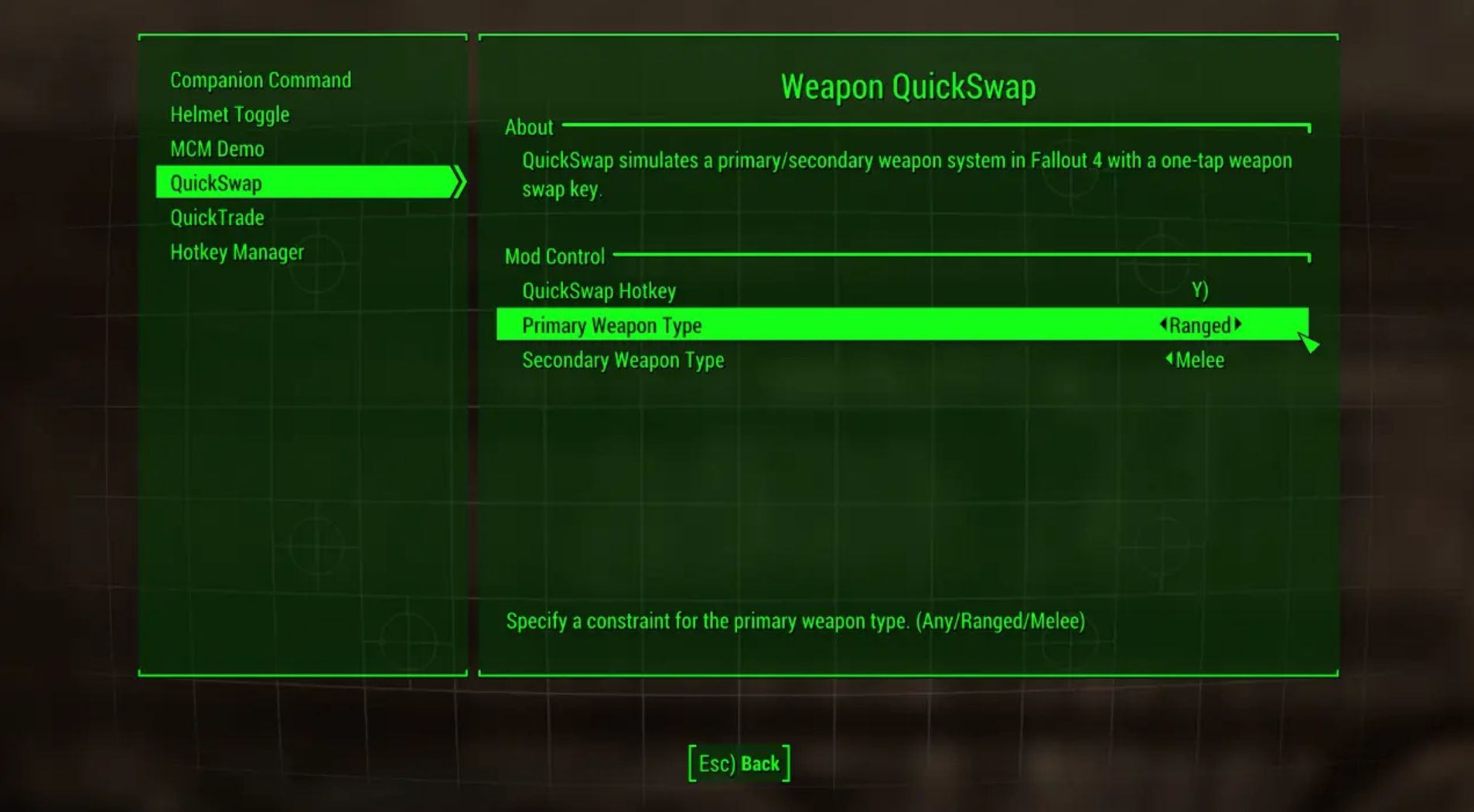
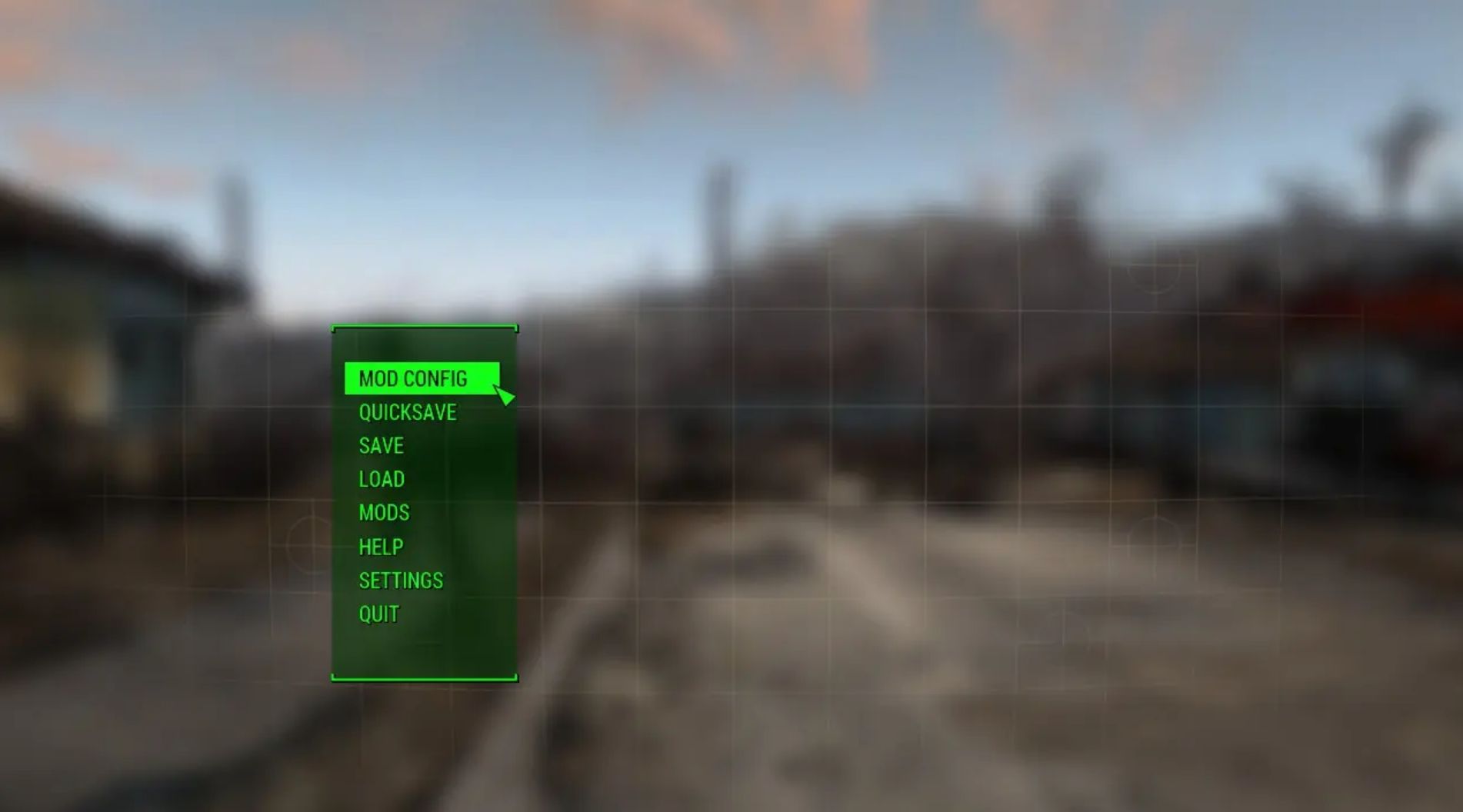
The Mod Configuration Menu is a settings page for mods! It provides a central location for mod configuration, accessible via the Pause menu.
About
The Mod Configuration Menu is a settings page for mods!
It provides a central location for mod configuration, accessible via the Pause menu.
ModSettings are stored in per-mod INI files under Data\MCM\Settings, making it easy to backup and restore settings and even change them outside the game if so desired should the mod support it.
Are you a modder? Check out the documentation for detailed information on creating MCM menus.
Features
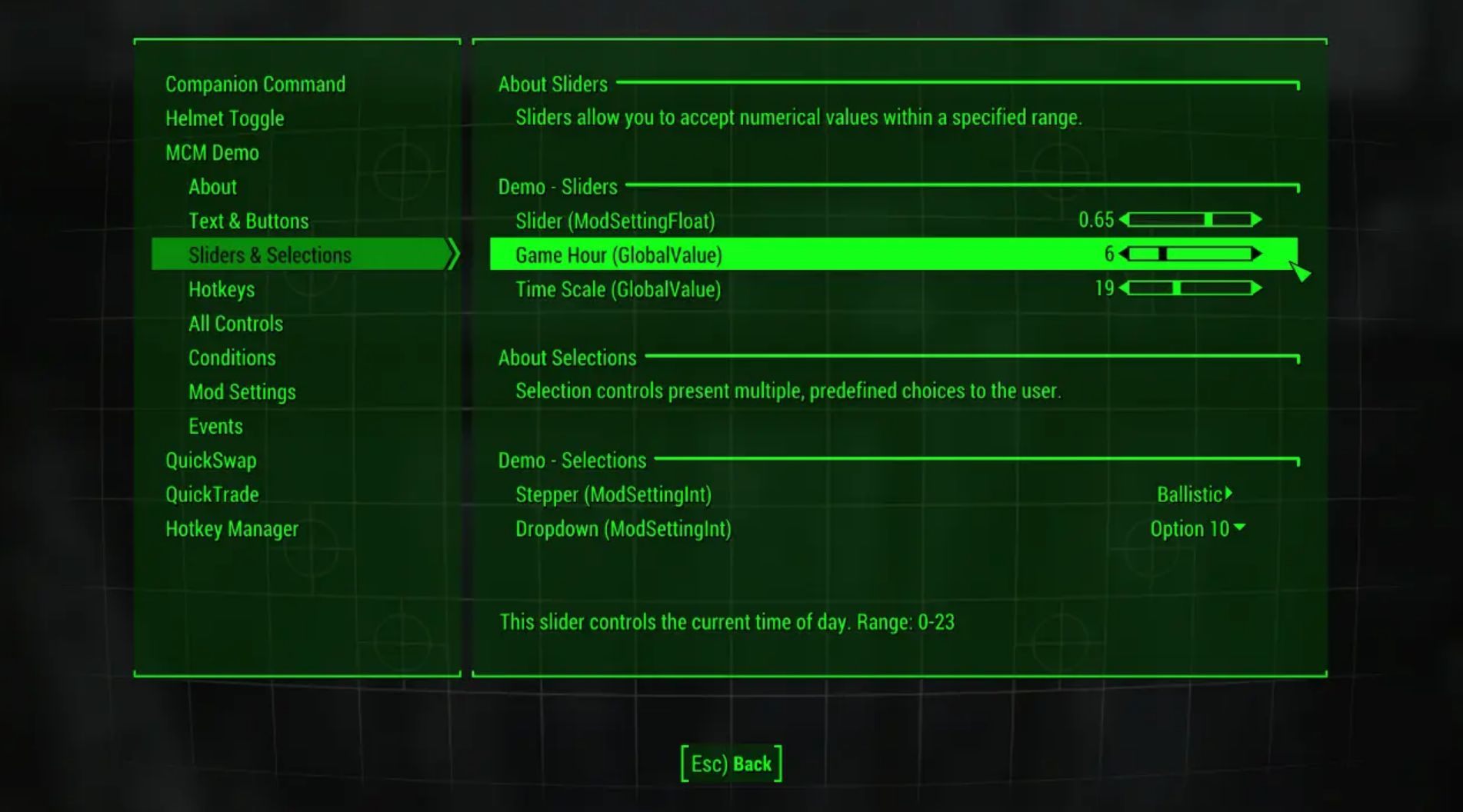
– Configure more aspects of your mods than ever before – the MCM provides a range of controls such as checkboxes, steppers, dropdowns, sliders, buttons, text, and keybinds.
– Optimized for PC. The MCM steps far beyond what is allowed for consoles.
– No ESM/ESP. The MCM does not count towards your load order.
– Save-safe. The MCM never sinks its teeth into your savegame – any modifications, as with most F4SE plugins, are done in-memory.
– File-safe. No vanilla forms or files on disk are overriden. The MCM is completely standalone.
– Hotkey support and conflict detection. Assign hotkeys to mod actions to activate them on-the-fly.
Details
Each mod’s menu lives in its own directory in Data\MCM\Config\ModName.
User settings are located at Data\MCM\Settings\ModName.ini.
FOLDER STRUCTURE
Data/
└── MCM/
├── Config/
│ ├── Mod1/
│ │ ├── config.json (Required) Menu Layout
│ │ ├── lib.swf (Optional) Image library
│ │ ├── keybinds.json (Optional) Keybind Definitions
│ │ └── settings.ini (Optional) Mod Setting Defaults
│ ├── Mod2/
│ │ └── …
│ └── Mod3/
│ └── …
└─── Settings/
├── Mod1.ini Mod Settings for Mod1
├── Mod2.ini Mod Settings for Mod2
└── Mod3.ini Mod Settings for Mod3
Installation
Install with your preferred mod manager, or copy the files in the download to your Fallout 4 Data folder for a manual install.
You should see a new option in the Pause menu in-game.
If there is no Mod Config option, double-check that you have F4SE installed and running!