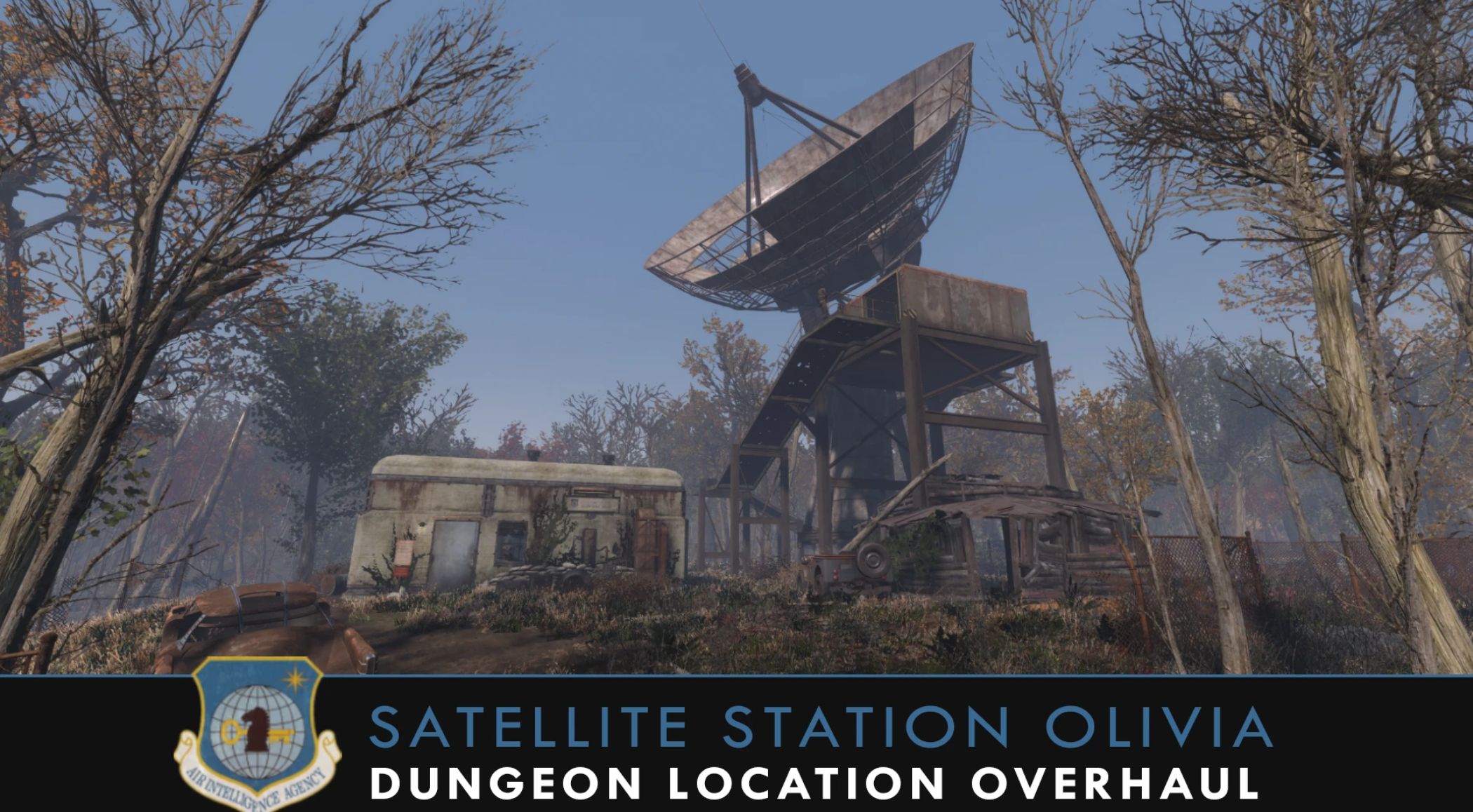
Satellite Station Olivia – Location Overhaul (Military – USAF – Bunker – Dungeon) v1.0
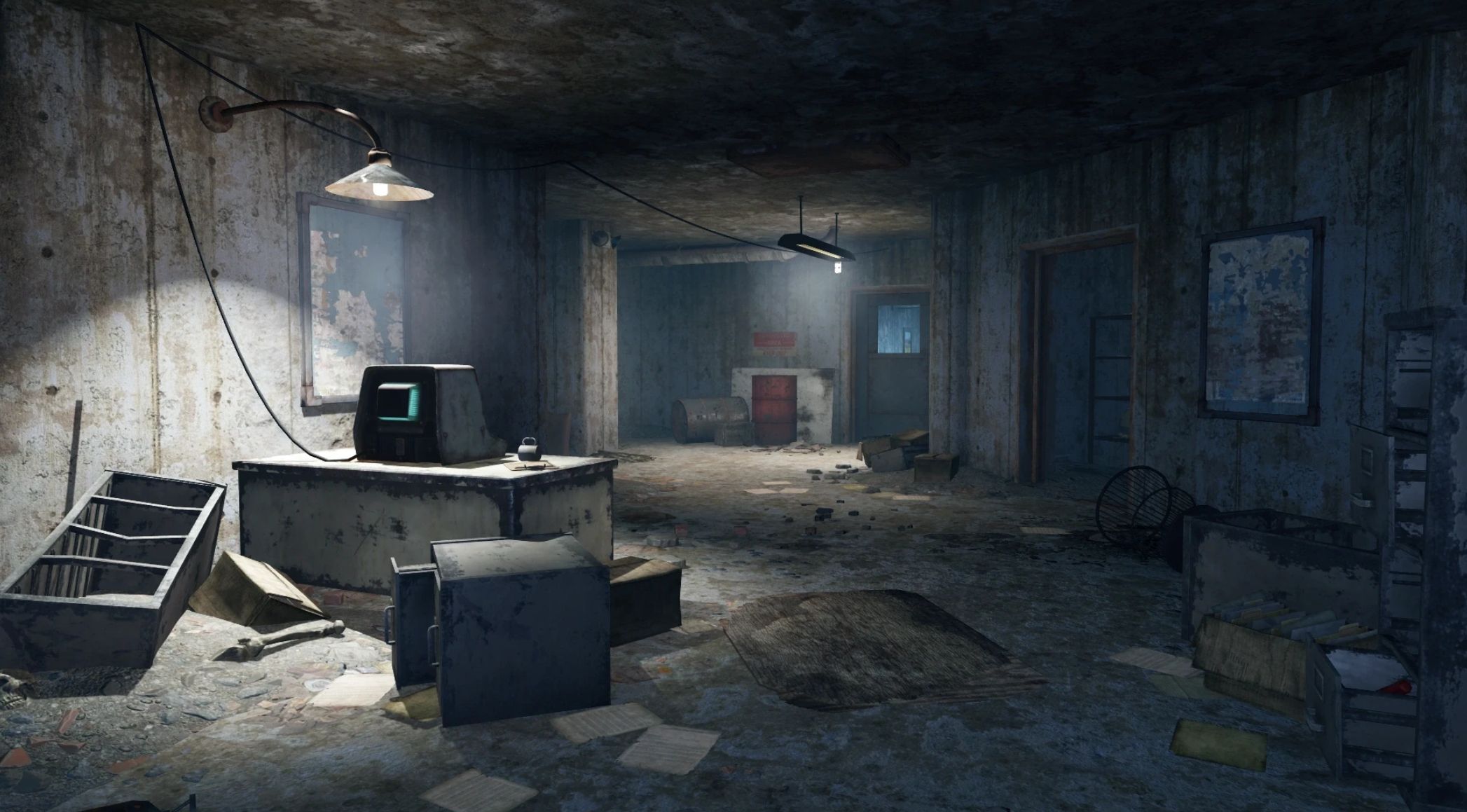
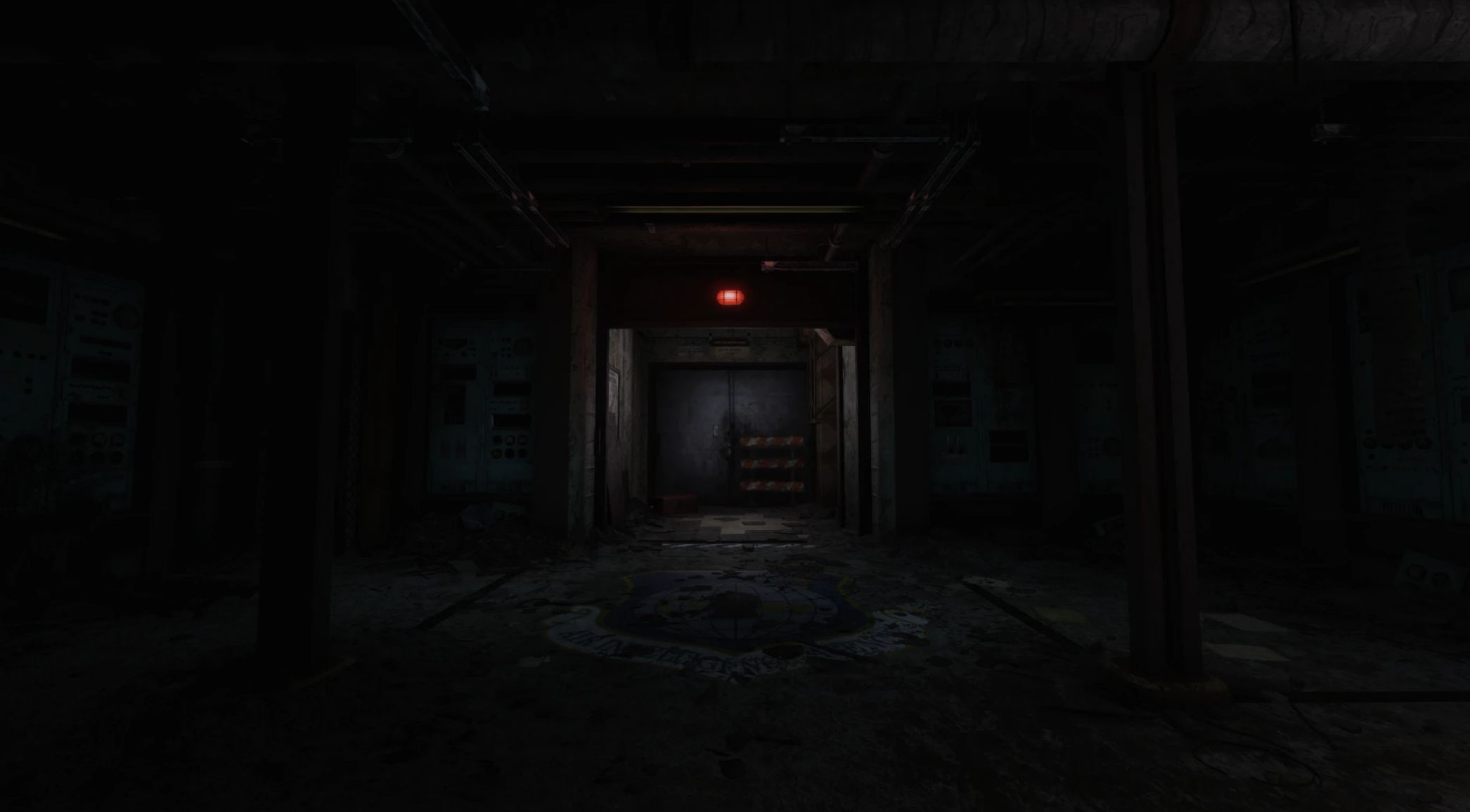
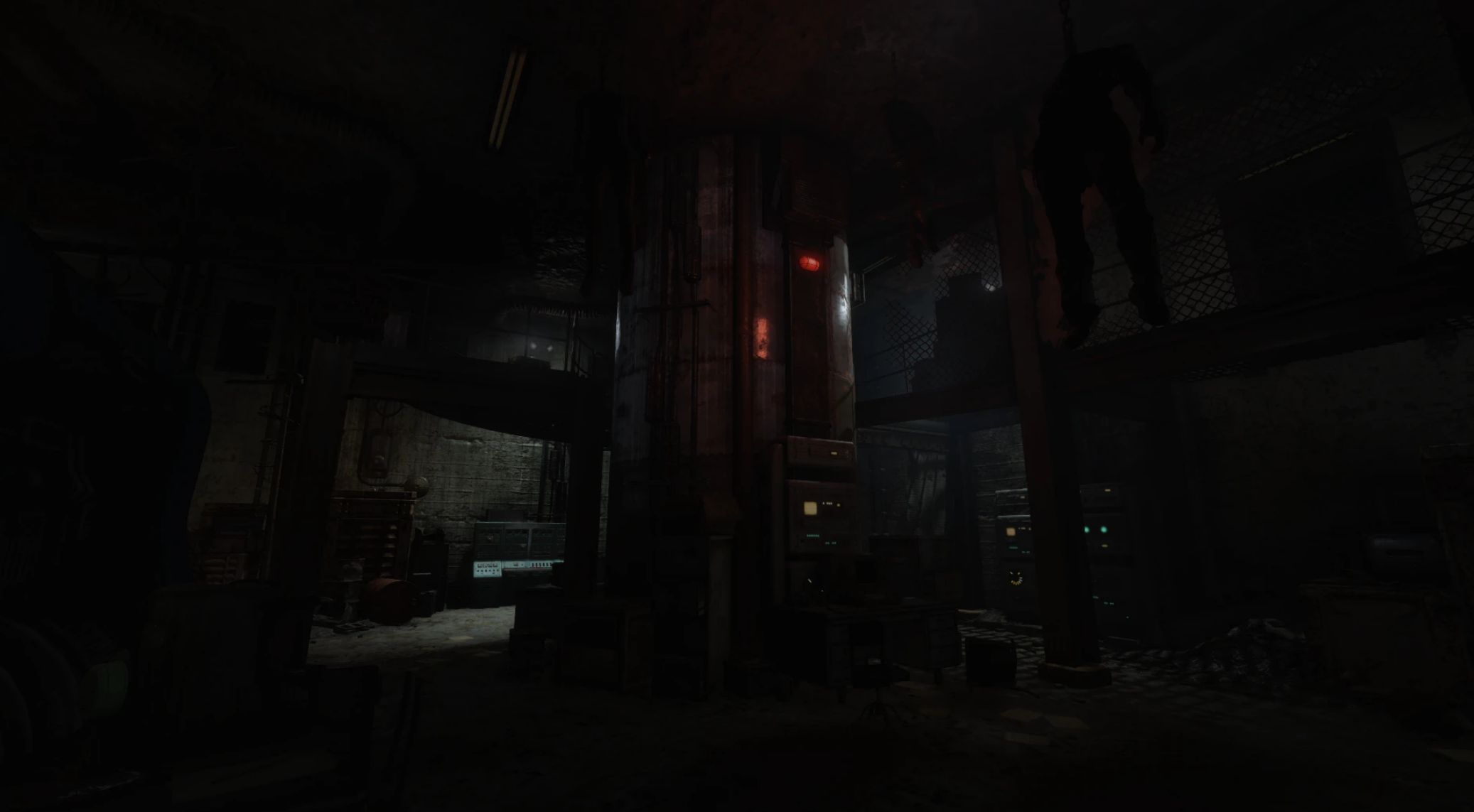
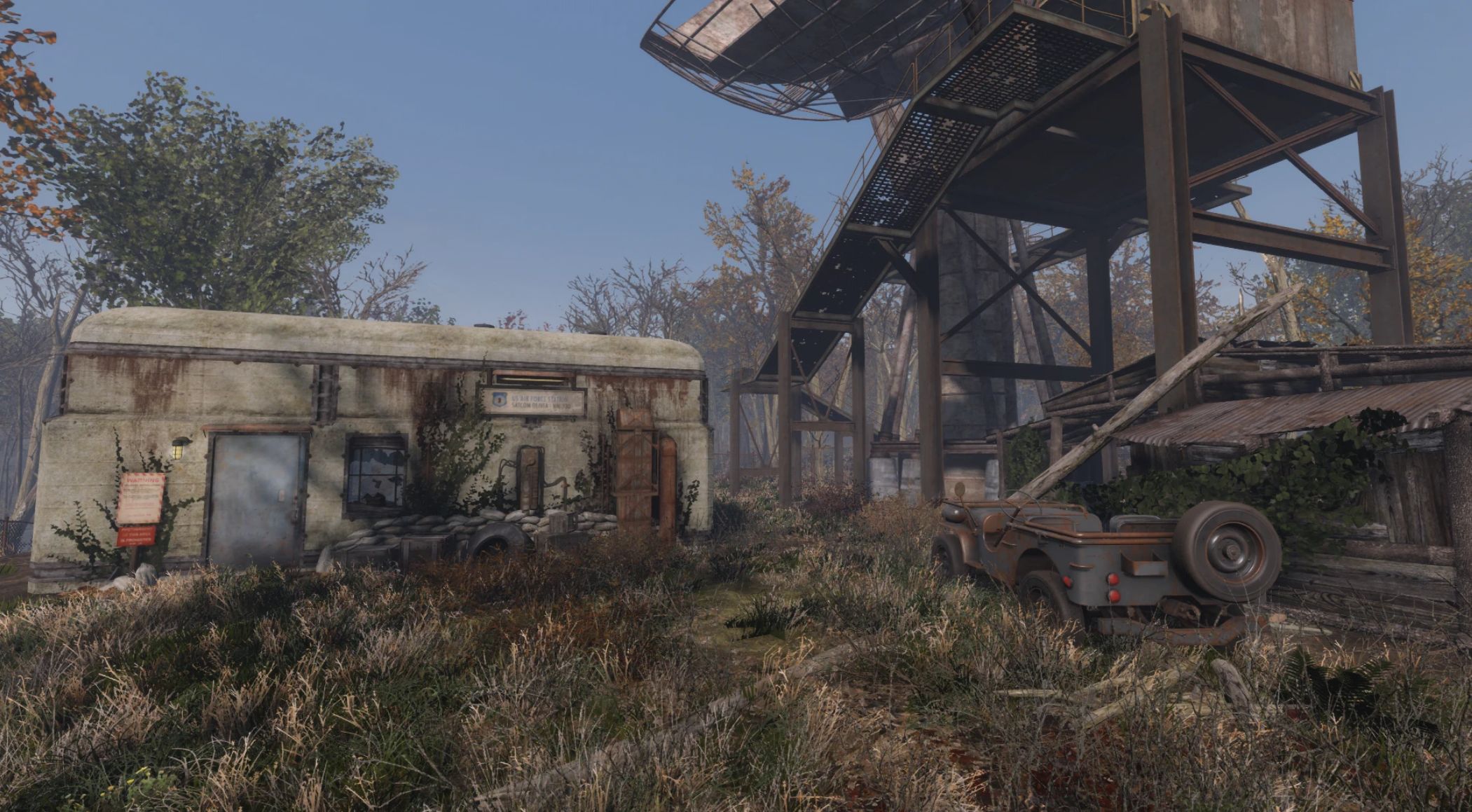
Overhauls Satellite Station Olivia with a redesigned layout, enhanced environmental details, and a more immersive atmosphere, modernizing an otherwise empty location while preserving the original look and intent.
✓ Works on Next Gen & Old Gen ✓ Performance Friendly ✓ BA2 & Loose File Options
Immersive & Logical Location Overhaul
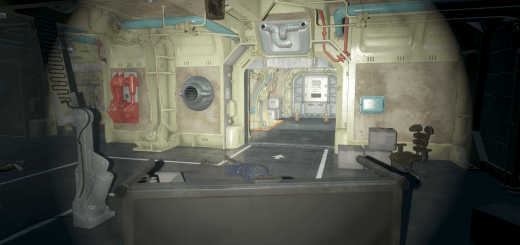
Satellite Station Olivia – Location Overhaul modernizes the bunker location, providing a more confined and claustrophobic layout, featuring narrow halls, small rooms, and additional environmental details, better conveying its purpose as a pre-war intelligence facility.
What This Mod Does
Reworked Layout—A more confined and claustrophobic layout that better suits an underground environment.
New Decorative Details—New environmental details that better reflect the location’s purpose.
Additional Backstory—Lore-friendly notes and terminal entries that expand on the location’s story.
Maintains Quest Functionality—Returning the Favor and all repeatable fetch quests remain fully functional.
Performance Considerations—Interior precombines and previs have been rebuilt to ensure smooth performance, while exterior precombines remain intact and untouched.
For the intended look, I recommend using this mod alongside 50 Shades Of Rust.
Mod Compatibility
SS Olivia is incompatible with any mod that edits Satellite Station Olivia’s interior cell data or overrides its precombined meshes and PreVis files. To function correctly, SS Olivia must take priority and win all load order and file conflicts.
Example Load Order
Using SS Olivia w/ Satellite Station Olivia How It Should Be + PRP:
SSOlivia.esp
USAFSatelliteStation.esp
prp.esp
SSOlivia – PreVis.esp
Em_USAFSatelliteStation_Previs.esp
Installation
For mod manager installation, install the file with your mod manager and activate the mod.
To uninstall, deactivate the mod and delete the file.
For manual installation, locate your Fallout 4 Data folder and place the mods files within.
To uninstall, manually delete all of the mods files.
Q&A
Q: Did you break Precombines or Previs?
A: Precombines and previs were regenerated for the interior cell and packaged in BA2 format. All exterior changes were made without breaking precombines.
Q: Do quests still function properly?
A: Yes, Returning the Favor and all repeatable fetch quests remain fully functional.
Q: Did you add new lore or change existing lore?
A: Yes, this mod adds new small bits of lore through terminal entries and notes.
Q: Another mod conflicts with yours. Can you make a patch for it?
A: Feel free to request a patch, but no promises.