Thumbstick Options v1.2
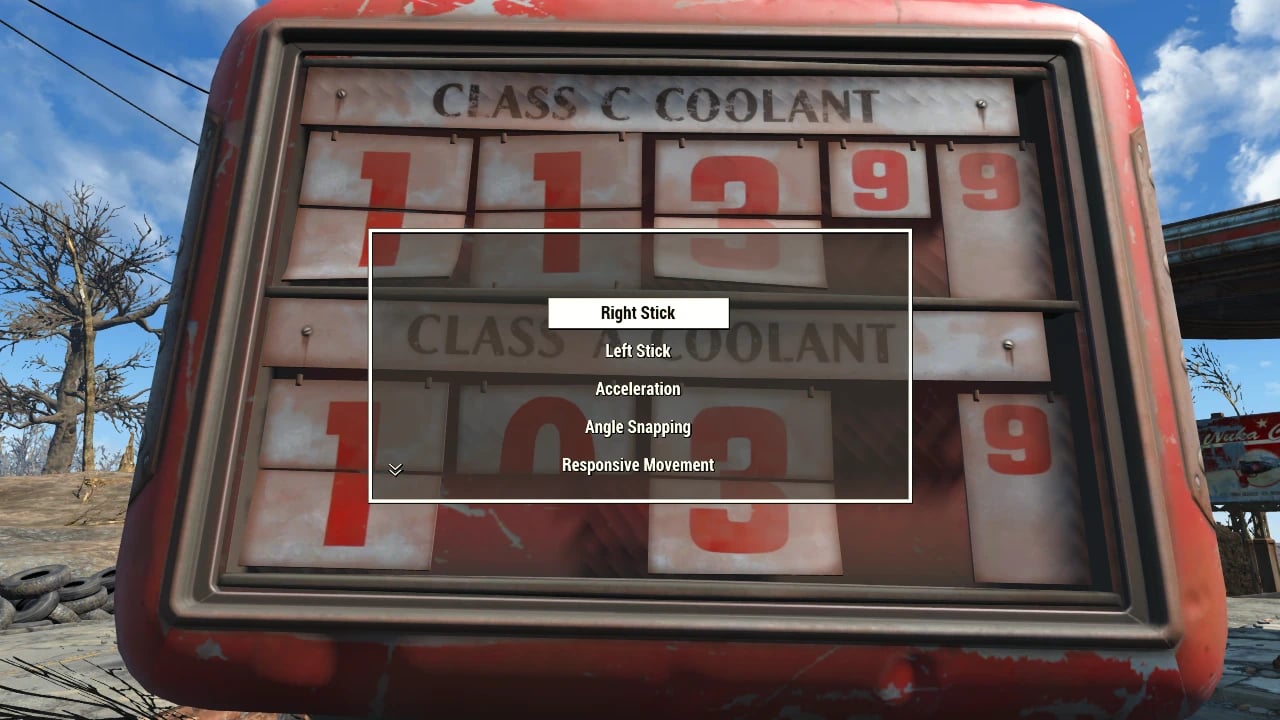
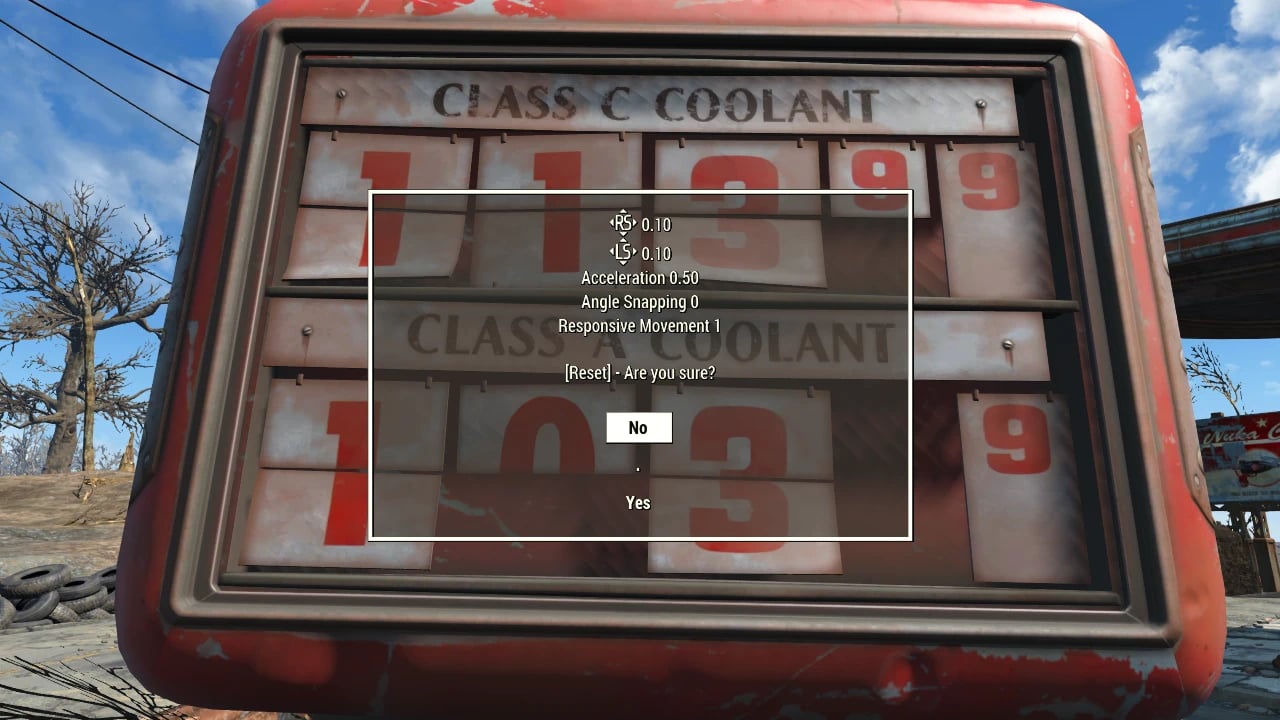
Thumbstick Options improves camera and movement controls, with options for thumbstick deadzones, acceleration, movement responsiveness, and angle snapping.
Features
- Use Thumbstick Options to enjoy a linear response curve or resolve stick drift on your controller.
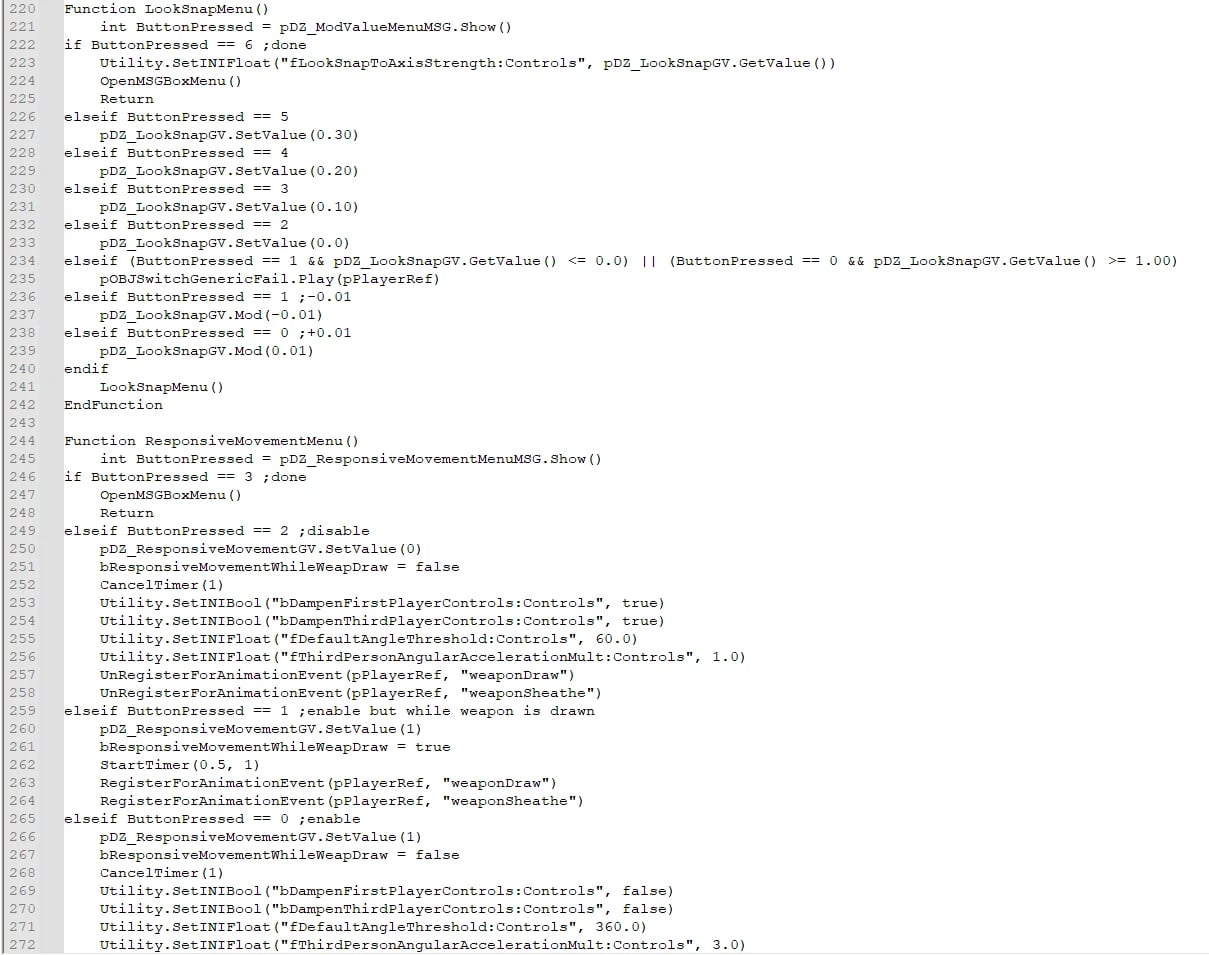
- Improves movement responsiveness but slightly reduces animation detail. It is enabled by default, so disable it if you want to revert to vanilla.
Specifications
- Right and left thumbstick deadzones can be changed from the vanilla 25% (displayed as
0.25). Set the deadzones as small as possible without causing stick drift. - Disables the 15% (displayed as
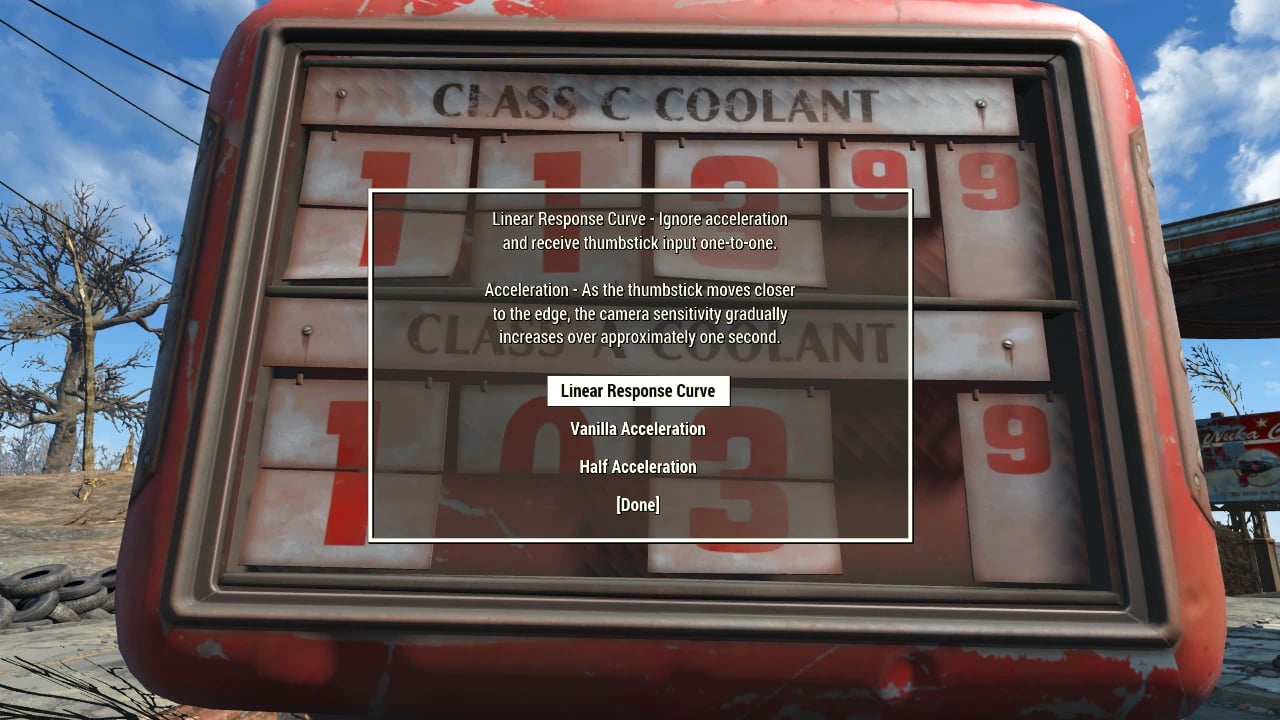
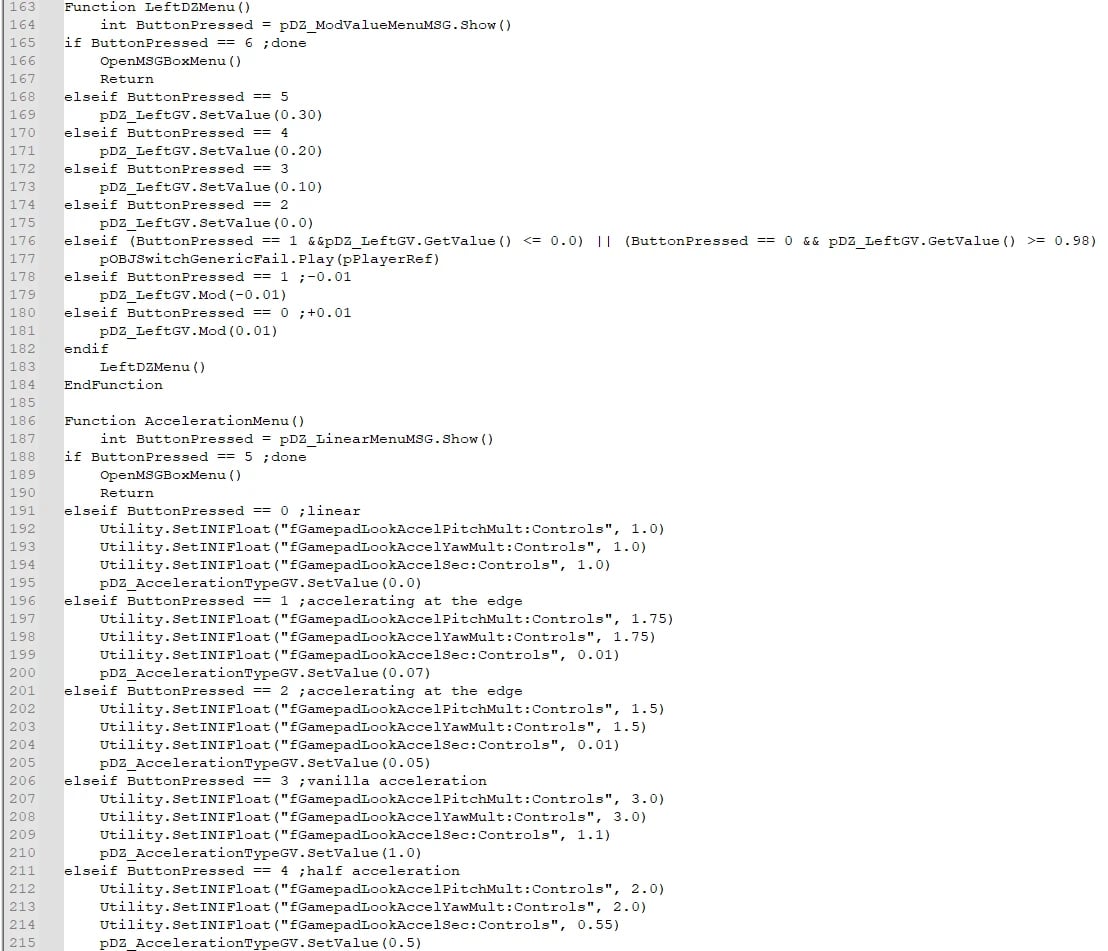
0.15) angle snapping that interferes with smooth control.0%(displayed as0.00) is the default value for this mod and is highly recommended. Angle snapping changes the control from a circular shape to a more square shape. - Half Acceleration provides an earlier camera speed peak and a smaller difference from the initial speed, displayed as
0.50. - Linear Response Curve ignores acceleration and provides one-to-one input, displayed as
0.00.
How to use
- Thumbstick Options is automatically added to the AID category in your inventory.
- If you lose it, use a chemistry station to craft it in the “utilities” (or “settings?”) category.
Settings and configuration
This mod does not edit anything in the vanilla record, but it changes some INI files using a setini script.
Here are the minor changes not explained above:
fMagnetismInputRotationTargetMoveYaw = 0.0 (was 0.4)
fMagnetismSightsInputRotationTargetMoveYaw = 0.0 (was 0.4)
0.0 prevents a sudden drop in sensitivity when the crosshair lands on the target, but it does not completely disable aim assistance.
fIronSightsPitchSpeedRatio = 1.0 (was 0.8)
This allows 100% input in the vertical direction instead of 80%.
Compatibility
This mod is for gamepads/controllers, not keyboards. Some things might be affected, but basically not.
Known issues
If you have trouble toggling between the first-person and third-person cameras after changing the right stick deadzone, it is due to stick drift. As far as I know, the camera toggle button does not work that way while the camera is moving.